Tag Archives: students

Flipping Students: a Collaborative Project  with other EEOOII Using Flipgrid

It’ s April and temperatures should have risen but I am writing this post while outside it is freezing cold and raining. I guess this is the downside of living in the north of Spain!

I know this not the perfect time to share this activity as we are all heading for final exams,  and I certainly don’t expect any teachers to email me right away suggesting a collaboration for the next month, but I do hope you do not forget this post and that the next school year we can find a way to collaborate and join our classes.
Some ideas that prompted this activity:
  • To encourage autonomous learning: to find new ways of learning and offer more opportunities for students to do more oral practice in a safe environment outside the walls of the classroom.
  • To encourage the use of effective technology. For this project, we used Flipgrid.
  • To demonstrate how anybody can use technology as long as you explain and model how to do it. Some of the students in this project are older than 70.
  • To collaborate: To spice up the activity by having students from other regions and countries collaborate with my class.
Tool used: Flipgrid. 

Flipgrid is a powerful reliable website owned by Microsoft. It is 100% free. It is a fantastic platform for collecting video responses to prompts that you pose to your students.

Why do I like it?

  • Students can improve their speaking ability from their homes, repeating their performances as often as they like. Stress-free.
  • Teachers can listen and send written or video feedback via email if they wish.
  • Students don’t need an email address, which is perfect for younger students.
  • Students record or upload a video and they can pause while recording, trim their videos and add more time or just delete it and start all over again.
  • Recording time goes from 15 seconds to 5 minutes.
  • They can reply to each other’s videos.
  • Educators are 100% in control with video moderation, access controls, etc
  • You can easily connect your class with other classes, not only in your country but also all around the world using the GridPal feature. There are thousands of educators willing to connect.
  • Flipgrid works on computers, laptops or any mobile device. If you use a mobile device to make your video, as my students did, you’ll need to download the free app.

The Project: Steps followed

1.Finding teachers from other schools willing to collaborate

That was the first step. I needed 3 teachers from 3 different regions who had some knowledge of how Flipgrid worked. To be honest, I didn’t feel like sending tons of emails to the different schools asking for collaboration. I thought it would be time-consuming and probably ineffective.  Besides, I  am very active on Facebook and Twitter and I thought it was the fastest way to find potential collaborators. And Bingo! In just one week I  had my 3 teachers: Purva Bachani from EOI Guía (Sta María de Guía- Las Palmas(Gran Canaria),  Marisa Rodríguez from EOI San Roque (San Roque-Cadiz) and Silvia Oslé from EOI Torrelavega  (Torrelavega-Cantabria). We have never seen each other, but we share the same passion: teaching. We created a Whatsapp group to speed up the process of setting up the project.

2. Setting up the Grid and the Topic

I created the common grid (class) and using the Grid Actions Button selected Add Copilots. Then, I added Marisa’s, Purva’s and Silvia’s emails and sent them an invitation.  From that moment, they had all the permissions to edit and add topics, but they could not delete the Grid (class)or the Topic I had previously created.

3. Setting up the activity

As it was the beginning of the course, we decided to do two activities (explained below), trying to maximize as much as possible the interactive part. Once the topic has been created, Flipgrid generates a code that you share with your students. This code and a Google or Microsoft email account is all they need.

(What you see below is the Topic with the 2 tasks. The Grid (class) is called Flipping EOI Students)
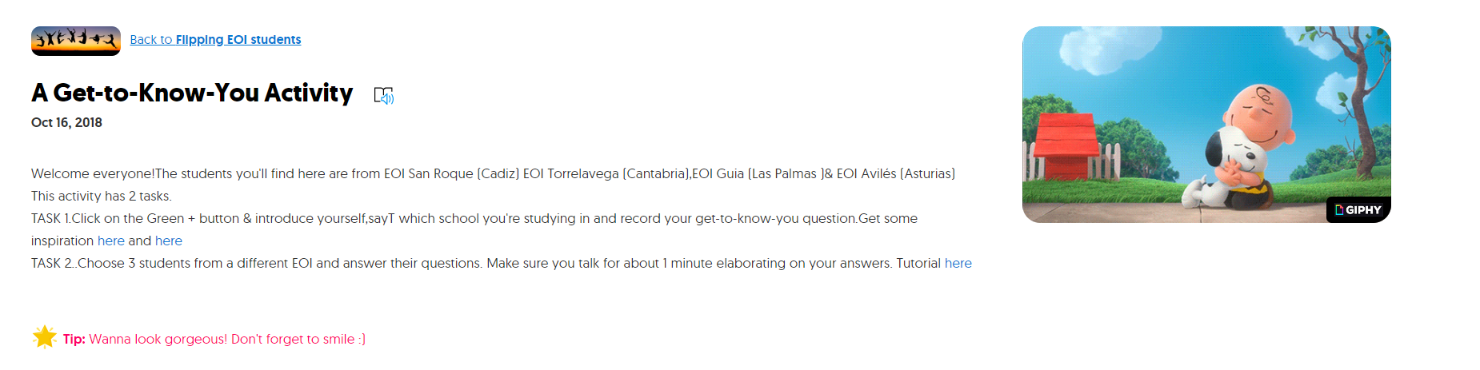
Task 1. A get-to-know-you activity. We didn’t want the questions to be the usual where-do-you-live or what-is-your-favourite-food. A bit of research on the Internet and again Bingo! We found the perfect inspiration in the videos “73 Questions with…” where Vogue interviews popular celebrities and asks them some rapid-fire questions to get to know them. The questions are good and we thought our students could either write their own questions or practise listening comprehension and choose the ones they liked best. These were the 2 links we provided: Selena Gómez and Emma Stone 

We gave students about a week to record their first video introducing themselves, saying which school they were studying in and their chosen get-to-know-you question.

Task 2. They had to choose 3 students from different EEO0II and answer their questions. We asked them to talk for about 1 minute elaborating on their answers as one of the aims of the activity was to practise listening and speaking. To help students and show them how to respond to each other, I recorded a  short video tutorial.

This second task took longer than the first as they had to record three videos answering to three students. Lots of speaking here, preceded by lots of rehearsing= lots of learning.
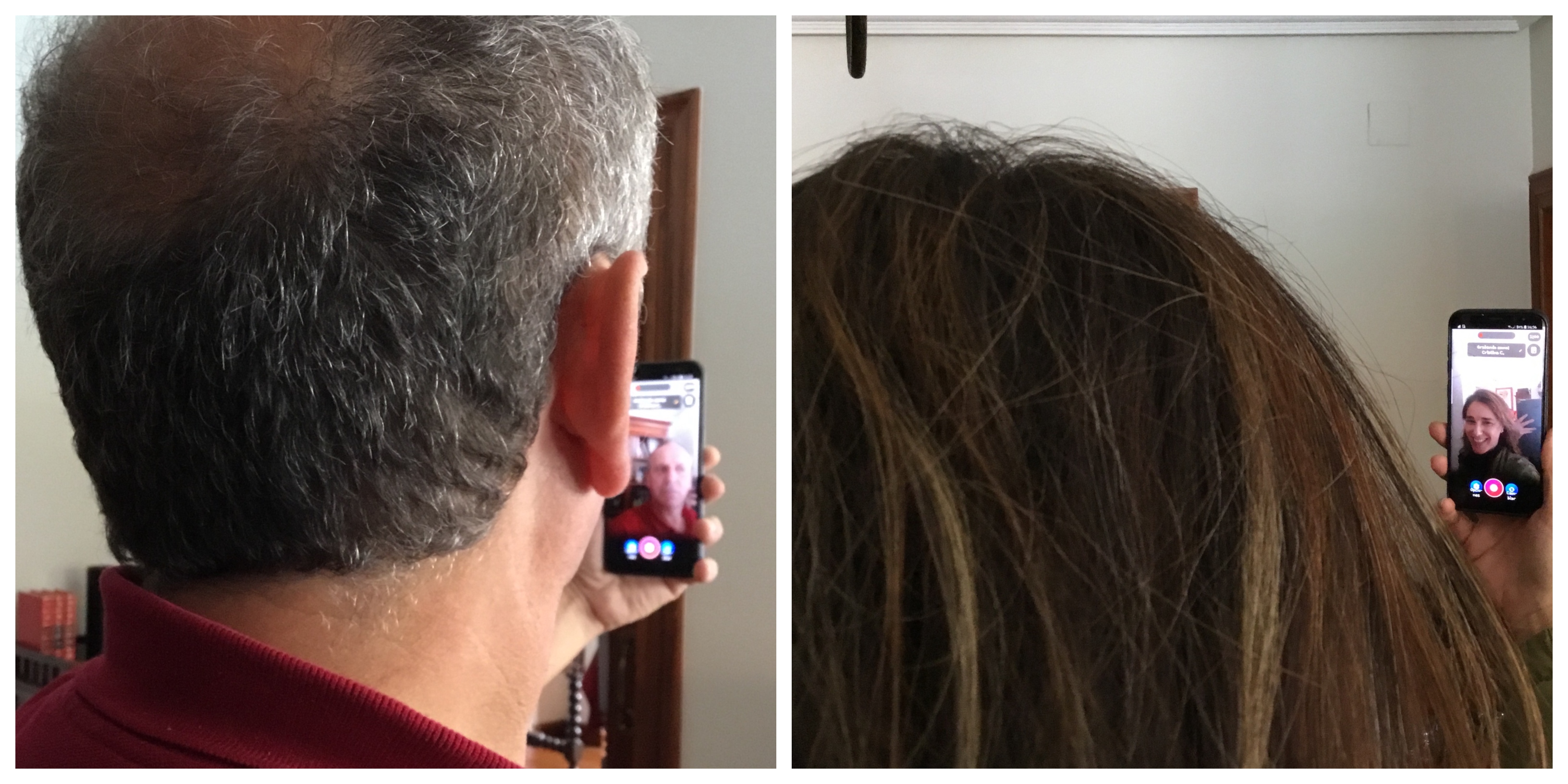
Note: although at first, it took a bit of convincing, very soon they were really into the project and some students went as far as to record themselves showing some landmarks of their cities and some even dressed up using hats and fake moustaches or wigs.

The surprise. As a surprise for the students, and again using social media sites, we asked for collaboration from native speakers and managed to convince a bunch of them to do task 2 as if they were students, too.  It was a nice gift for them and a way to say thank you for being such nice sports. Here I want to thank people at Flipgrid headquarters for being so supportive and agreeing to collaborate straightaway. ( thanks George, Rayna, Ann, Karen, Joseph, Kathrina and so many others).  I am proud to be a Flipgrid Ambassador.

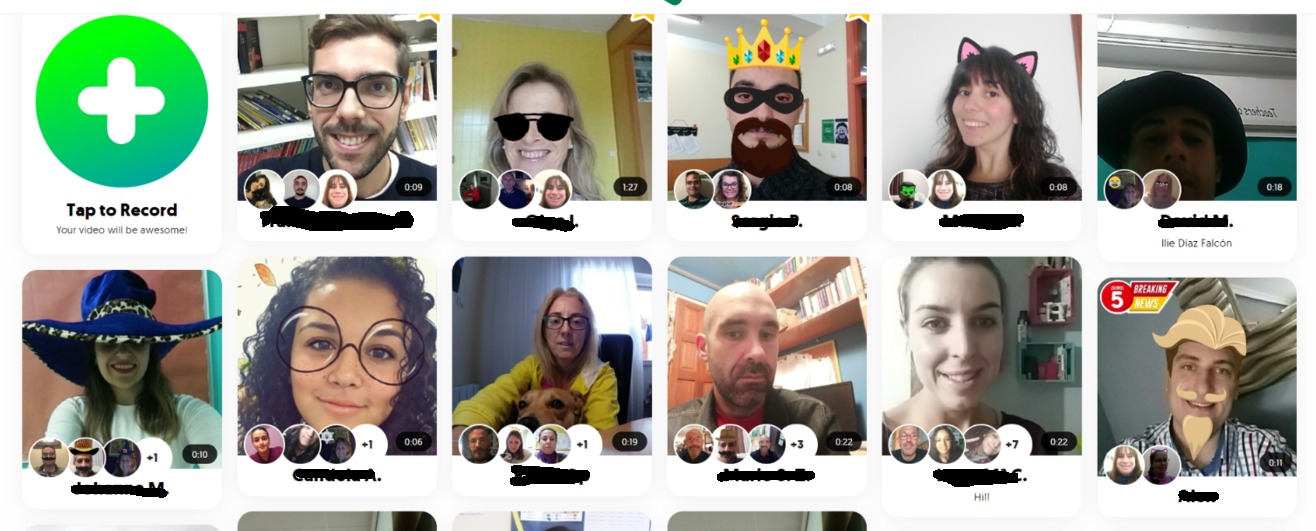
(below is a picture of some of the students that collaborated in this project. I have erased their names. The people in the bubbles are the students answering this specific student)
Follow-Up Activities:

Using our private Whatsapp group, we brainstormed post-project activities. These are some of the ones we did.

  • Mixtapes: A Flipgrid feature that allows you to combine videos from different grids. We created one of these MixTapes using the native speakers’ recordings, playing some of them in class and asking students to first identify the get-to-know-you question and then summarize the answer.
  • Another idea was to ask students to work in groups of 3 or 4, play a get-to-know-you question and ask them to answer it within their groups. Then, play the answers to the question and give a point to the students whose answers coincide with those on the videos.
The activity in numbers

351 videos recorded, 15,663 views and 89.7 hours of recorded time.

I think I can say that without a shadow of a doubt that we have passed this first collaborative activity with flying colours. Thanks Silvia, Purva and Marisa.  I could not have done it without you.
 

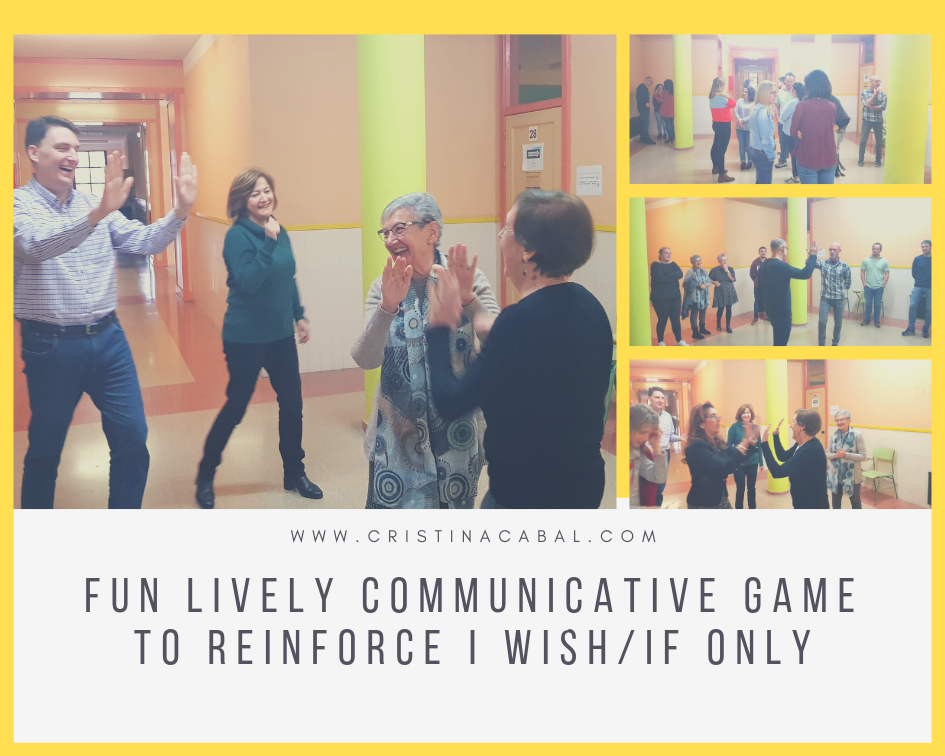
Fun Lively Communicative Game to Reinforce I Wish/If Only

Who doesn’t welcome a bit of fun in the classroom, a light getting-out-of-your-seat activity? I can see no raised hands?  Right, we are all in for this game!!!

Before you continue reading. For this activity, you will need to have space in your classroom, which I don’t. Even though my class is U-shaped, it is still a small class. But, no problem.  Right outside my class, there is a big aisle where we can do this little activity and perhaps, who knows,  some students from other classes might want to join us. The more, the merrier.

We can do this game in two different ways or in both ways. Actually,  I did first Part 1 and then Part 2. Both equally effective.


Before the game: on the board revise the grammar for I Wish/ If Only.

The Game:

Ask students to form a big circle leaving the most space in the middle. They don’t have to hold hands or be excessively close to each other as long as they form a big circle and everybody can see everybody else.

This is how it works:

Part 1. The teacher asks a question containing I wish/ if only.

Shout the first question; for example, Who wishes they were rich? and instruct all the students whose answer is Yes to come into the middle of the circle and there, in pairs or threes, briefly explain their answers. Allow one or two minutes’ conversation and then, ask them to go back to their positions. Encourage them to use the target grammar in their answers.
What do students whose answer is No do? Easy answer: the same. The will need to pair up with the student who is closest to them explaining their answer.

These are the questions I have used. You are welcome to use them.

  • Who wishes they were abroad right now?
  • Who wishes they had a bigger car?
  • Who wishes they had studied harder when they were at school?
  • Who wishes they were thinner or fatter, taller or shorter?
  • Who wishes their neighbours were nicer people?
  • Who wishes they had a different English teacher? 😊
  • Who wishes they had chosen a different profession?
  • Who wishes they had a more positive attitude towards life?
  • Who wishes they could live to be a hundred?
  • Who wishes they could be president of their countries for just one day?
  • Who wishes they had more time to socialize?
  • Who wishes they had had more siblings?
  • Who wishes they had been born in another century?
  • Who wishes they had been born a member of the opposite sex?
Part 2. The students produce the sentences. The High-Five.

I have called this part The High Five. Still standing and forming a circle, ask students to think of a sentence about themselves they think people will easily relate to using I wish/ if only.

Students take it in turns to say their sentence aloud and at the same time move into the centre of the circle.  Anybody who feels the same way moves to the centre of the circle and gives a High-five to the person in the centre of the circle who has said the sentence.

Same procedure as above. In pairs or in 3’s ask them to briefly discuss their answer.

You can start by moving to the centre of the circle and saying:
I wish I could pass my English test ( Note: your hands will hurt from all the high fives you’ll get with this sentence)

Discourage sentences that might be too personal or too specific like
I wish my mother had come with me on that trip.

Remember that it is important to model first and give clear instructions so that students know what they have to do. You want everybody participating and nobody slowing the game down or feeling uncomfortable because they haven’t understood what they need to do. If necessary, use concept check questions( CCQ) to make sure everybody knows what to do.

Interested in spicing up your lessons? I ran face-to-face workshops helping teachers integrate technology in their classes in an easy way, using free online digital tools. Practical tested ideas that combine traditional teaching with modern techniques. Fun and learning, a win-win!

From teacher to teacher. In English and in Spanish.

Have you ever played Quizlet.live? Then, you are missing out!

Easter is here and this means a break from teaching. A very much needed break to be honest. Not that I am complaining but, is it me or does this Easter feel extra early?

Anyway, the last day before the Christmas break and the Easter break are always days that I both love and hate. These are the days when I have to give my students good or bad news. This means marks and, unfortunately, not all the students pass with flying colours.

Well, this last day and just before giving them their marks I wanted them to have a bit of fun and leave the class in high spirits so I decided to try a new game I had been meaning to try for a long time, Quizlet.live.  I tried it and I have to say I liked it.

Here’s why:

  1. Students work in groups. I like this much more than individual work.
  2. Students have to discuss the correct answer and they have to agree before they click. And this means talking. A lot. In English.
  3. If they make a mistake, they can start again. And this means reinforcing.
  4. However, they have to choose the correct answer very carefully. If they make a mistake they go back to 0 points.
  5. The teacher can create his own sets or if he is feeling lazy or too busy, there are millions of public quizlets to choose from. Thank God for this small favour!
  6. It’s free.
  7. It’s fun. Like, a lot.
What you need to play:
  • Mobile devices: tablets, mobile phones or Chromebooks. One for every student.
  •  A minimum of 4 students. The more the merrier.
  • A study set with at least six unique terms and definitions. Again, I would recommend more.
Setting a game

Part 1. Pre-game

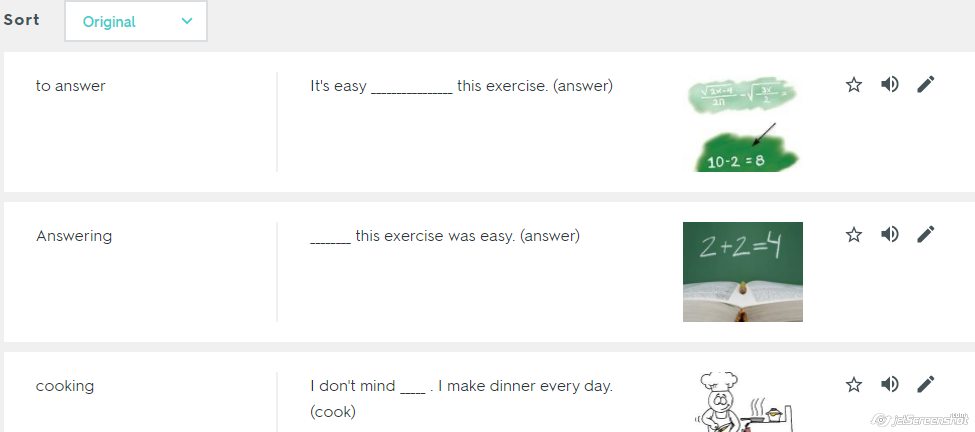
  • Once you have decided on the study set you want to give your students, choose Live. I have created a study set to revise the use of the infinitive and gerund in English.

  • Then, choose Definitions and Terms. Actually, if you do not have a Premium account, that’s the only one you can use. Bear it in mind if you decide to create your own set: what you have written as a definition will be what your students see as a question and what you write in the space provided for the term will be the possible answer.

  • Ask students to take out their devices and go to quizlet.live. Share with them the join  code you will get once you click Create Game. When prompted, ask them to write their real names. Writing their real name makes it easier to form the groups.
  • The computer randomly selects groups. If you have some students that you feel won’t work well together, you can always reshuffle the groups.
  • Ask students to stand up and sit in their groups

Part 2. Playing

  • Once the teacher clicks Start Game, the students will see the first matching task.
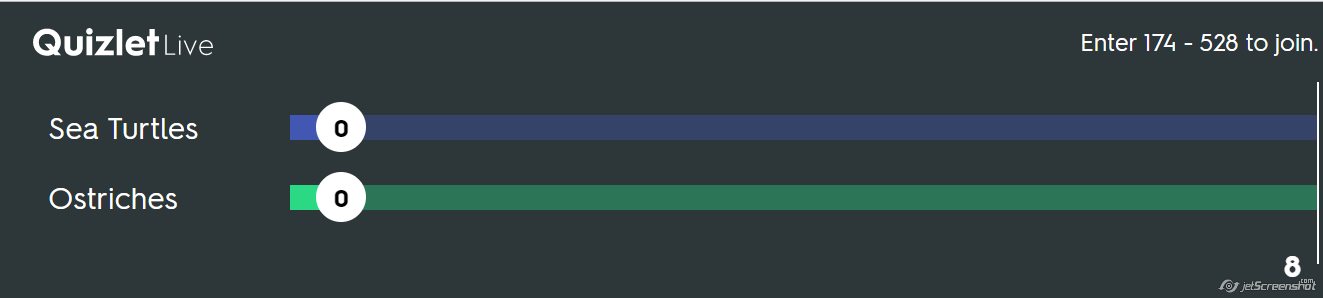
  • On the class screen, they will only see that the ostriches and sea turtles are tied 0-0.

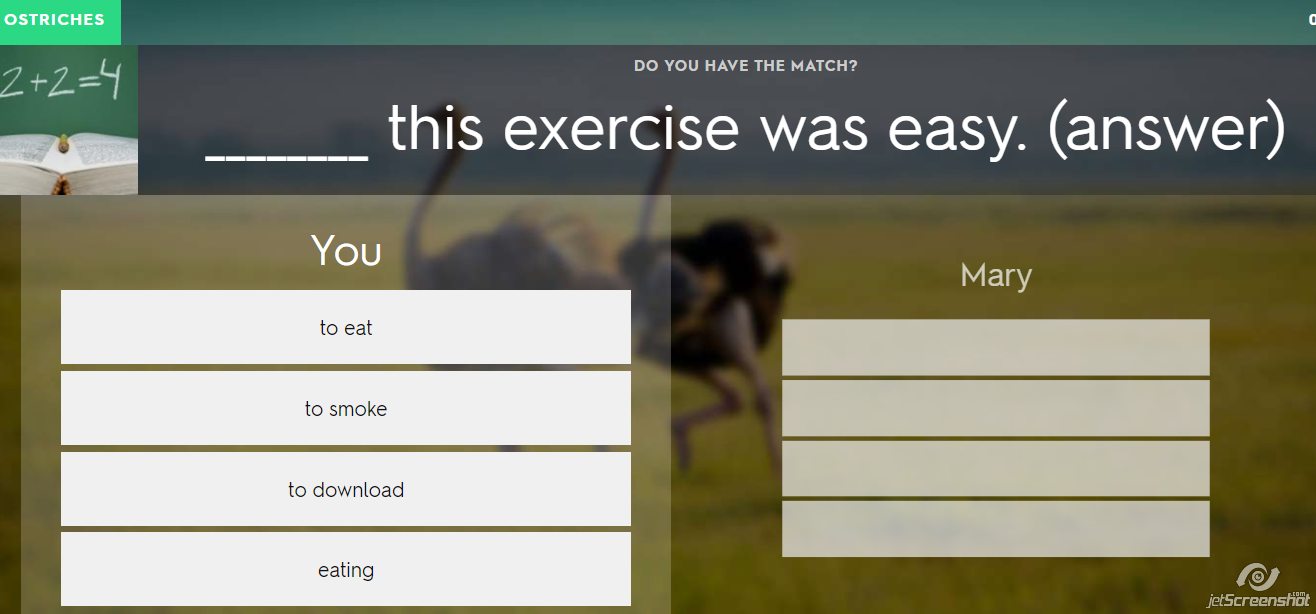
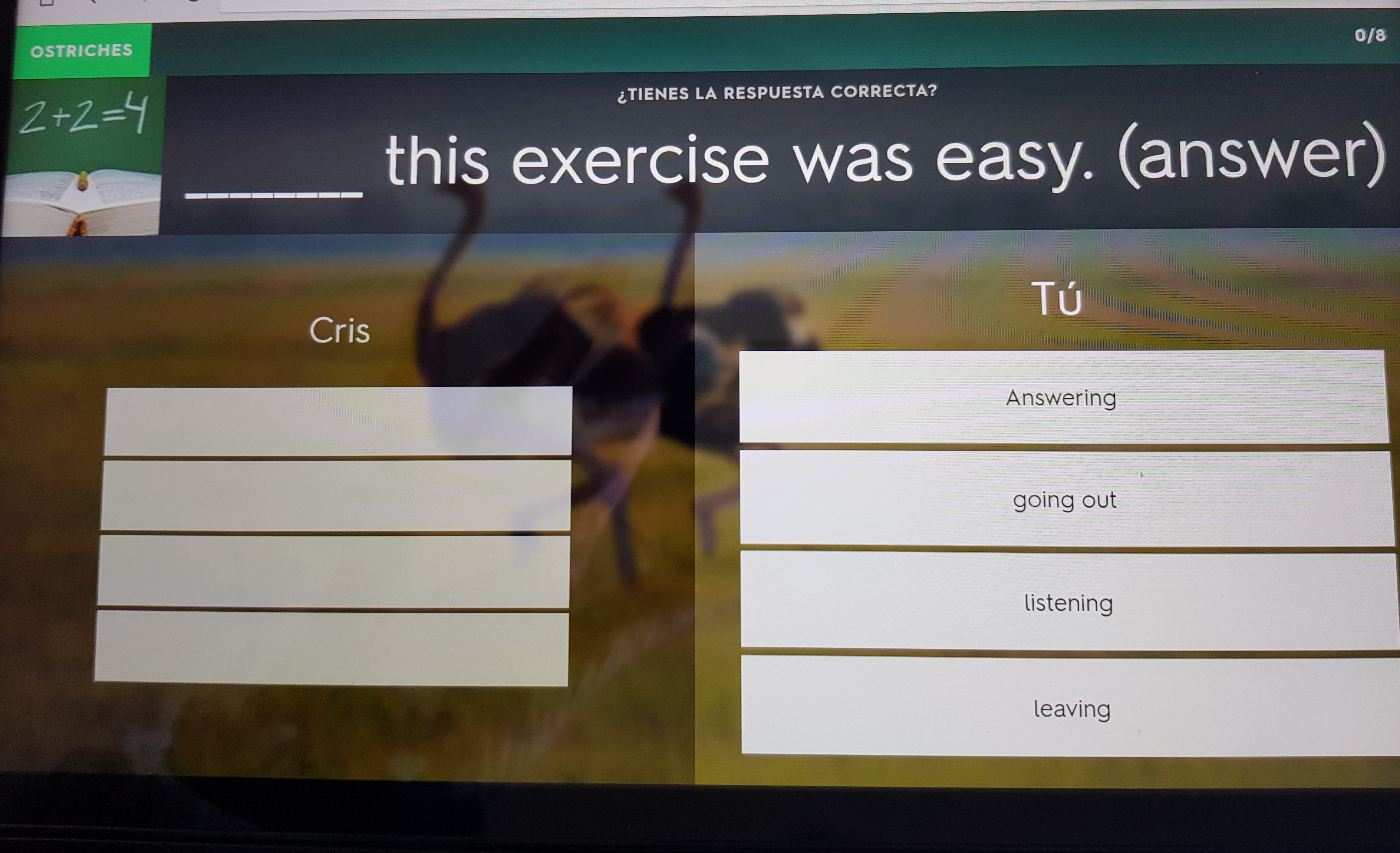
  • Now the first question/definition/word is displayed on their screens. It’s the same for all the members of the team, but only one member of the team will have the correct answer. They will need to discuss who has the correct answer and click on it. For example, in the picture below, I am pairing with Mary. I do not have the correct answer, but my partner does.

  • Tell students that the first team to get to 12 points wins the game.
  • Warning: If a team chooses an incorrect answer, they go back to zero and they will lose all the points and will need to start again. In my opinion, this is just great to reinforce knowledge.
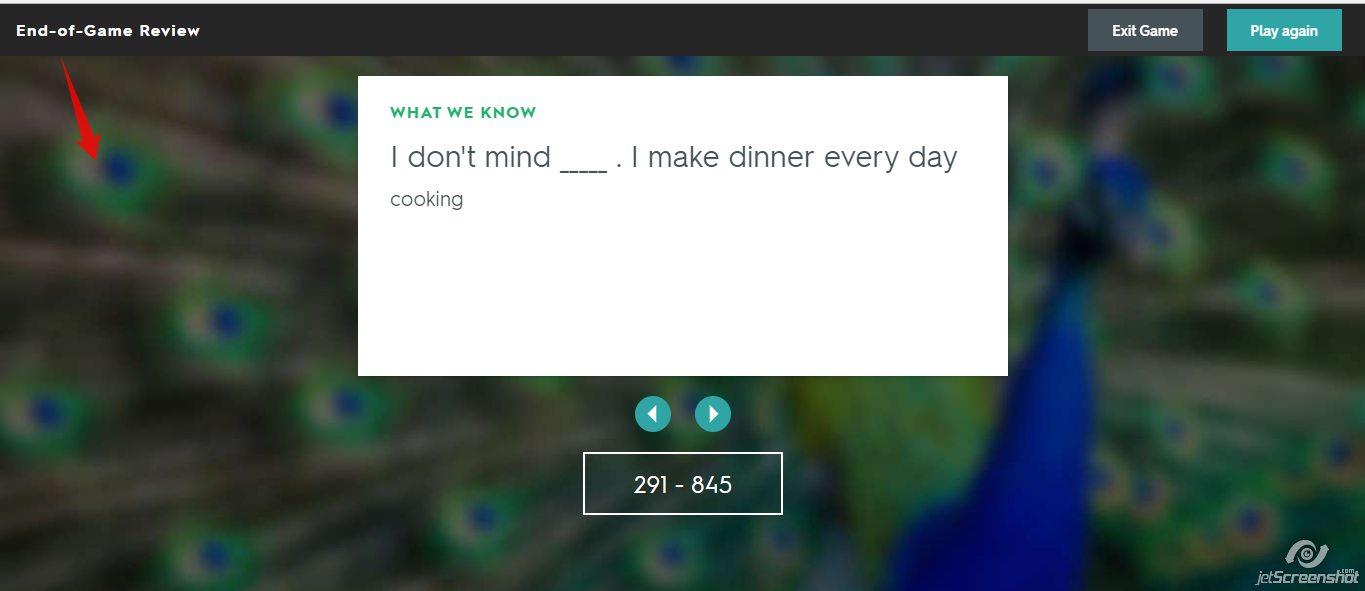
  • At the end of the game, they can analyze the answers and see what they are struggling with.
What I liked most

What I like most about this game is that students are collaborating with each other all the time, using vocabulary and discussing which answers are correct and which are incorrect in a way that is really engaging and motivating.

Also, you can share with them the link for the study set and have them revise at home.

Finally, on twitter, I saw an idea that I really liked, especially if you don’t mind some noise and you only have a few devices. It was from a teacher called Mrs. French. I hope she doesn’t mind me sharing the video.

The Two-Corner Technique. How I Train my Students to Pass the Standardized Speaking Exam.Part 2

It’s Monday. I swear it was Friday when I last blinked. Exam time is inching closer and closer and I figure it’s about time I share part 2 of how I prepare my students to take oral exams. Please, note that attending classes and piling up dozens of photocopies helps, but this alone does not guarantee you are going to pass the exam. Practice. Keyword here.

In Part 2, you are going to read about the two-corner technique and the websites  I use to help my students gather ideas.

The anecdote.

What I am going to relate here is one of the reasons why I try to offer my students not only vocabulary and structures but also ideas. Yes, I present them with different ideas, but  I don’t ask them to study and use them as if they were theirs, I ask them to discuss them. Why? Mainly because by discussing ideas they can develop their own, acquire some others and also learn to challenge opinions they do not agree with.

You have probably heard students, or experience if you are one, talk about this fear of not knowing what to say.

Only last week I set a writing activity to be done in class. I asked students to write for about 20 minutes giving their opinion about a topic we had already discussed in class.

I observed one of my students was not writing but staring into space. After 5 minutes, I approached him and asked why he wasn’t writing. He said he could not come up with any ideas, said he wasn’t inspired and that he was afraid this would happen on the day of the exam.

And I worry. Even though my students study hard, sometimes they find it hard to think on their feet and start talking or writing.

It’s with this in mind that I try to provide my students not only with grammar and vocabulary but also with other people’s points of view on a given topic so that they can discuss these ideas and develop their own arguments. Speaking is not only talking about what you would do but also about what you wouldn’t do.

Topic:  Ebooks versus paper Books

Level: B2 (upper-intermediate)

Time: about 30 minutes

  • Step 1.  Brainstorming vocabulary.  As usual, we brainstorm vocabulary on the board. This is a necessary step as you don’t want students to get stuck because they can’t come up with a term.
  • Step 2. Posing the question.  I write on the board ht e big question. In this case: What do you prefer? Ebooks or paper books?
  • Step 3. Using the two-corner teaching technique.  This technique is actually called the four- corner technique, but I find a two-corner approach suits my classes better. With this technique, you get your students out of their seats and thinking about the topic they are going to discuss. In one corner of the classroom, I put up a notice saying paper books and in another corner a notice with ebooks written on it.

I ask students, still in their seats, to think which corner of the room they would choose and think of the reasons why they prefer one choice to another. After a bit of thinking time, I ask them to stand up and go to their corner of the room. Once there, they talk to the members of their group sharing ideas and talking about why they favour one choice and not the other.

  • Step 4.  Getting ideas from other sources.

Time to see how others express your same idea and maybe get some others. Give students in favour of ebooks handout A and give handout B to students who prefer paper books. Let them read it and comment it in their groups.

  • Step 5. Persuading and Convincing

This is the part I like best. Pair up students from both corners. Their aim will be to campaign on behalf of their choice and try to convince a student from the opposite corner to flip sides.

For this activity, I have used the website https://netivist.org/ , which is a platform where users can debate and engage in thoughtful discussion sharing different points of view.

Other  similar websites  are:

https://www.kialo.com/

https://debatewise.org/

Going the extra mile?

  1. Students practise talking about what these two sets of pictures suggest to them

2. Students listen to what other people have to say on the subject.

If you have missed Part 1 of how I prepare my students to take oral exams, you can read it here

Do you Think Translation Exercises are Boring? Just the Opposite!

Believe me, they don’t have to be boring. In fact, just the opposite.

I know some teachers consider translation activities a thing of the past and that, arguably, they should be banned from our classes. I don’t completely agree.
If I am honest with you, I can’t say that I like giving students a whole paragraph to translate, but a one-sentence translation exercise can help consolidate and reinforce grammar and vocabulary.
And it doesn’t need to be boring. In fact, it can be a lot of fun. How?

Easy. Let’s combine a seemingly boring traditional exercise with an online fun tool and let’s turn it into a competition.

Preparation:

• Decide on few sentences you want students to translate. I’d suggest 6-8 sentences. If you like exploring tools, my favourite for this kind of activities is Playbuzz flip cards.
• Slips of paper

How to go about it:

1. Pair learners and give them as many slips of paper as sentences you want them to translate.
2. Write the first sentence on the board and ask students to translate into English. If you use the online tool I mentioned above, just show the first card. (See mine below)
3. Depending on the length or difficulty of the sentence to be translated, set a time limit.
4. Once the pair have their sentence, ask them to write it on the slip of paper big enough for you to see from a distance.
5. When the time is up, ask the pair to hold it up and quickly go through all the translated sentences awarding 1 point to the pair who has the correct translation.
6. The winner is the pair who get the most points.

Note: Be strict with spelling mistakes or any other tiny mistakes. Students love it when you are strict and don’t give away the points easily.

Follow-up: Revise again all the sentences, but this time orally.